

Saturday September 19, 2026 6:05 pm
Apple Intelligence Now Wants 14GB Free, and 256GB iPhone Owners Pay for It

Posted by Andru Edwards Categories: Apple, Software, Artificial Intelligence
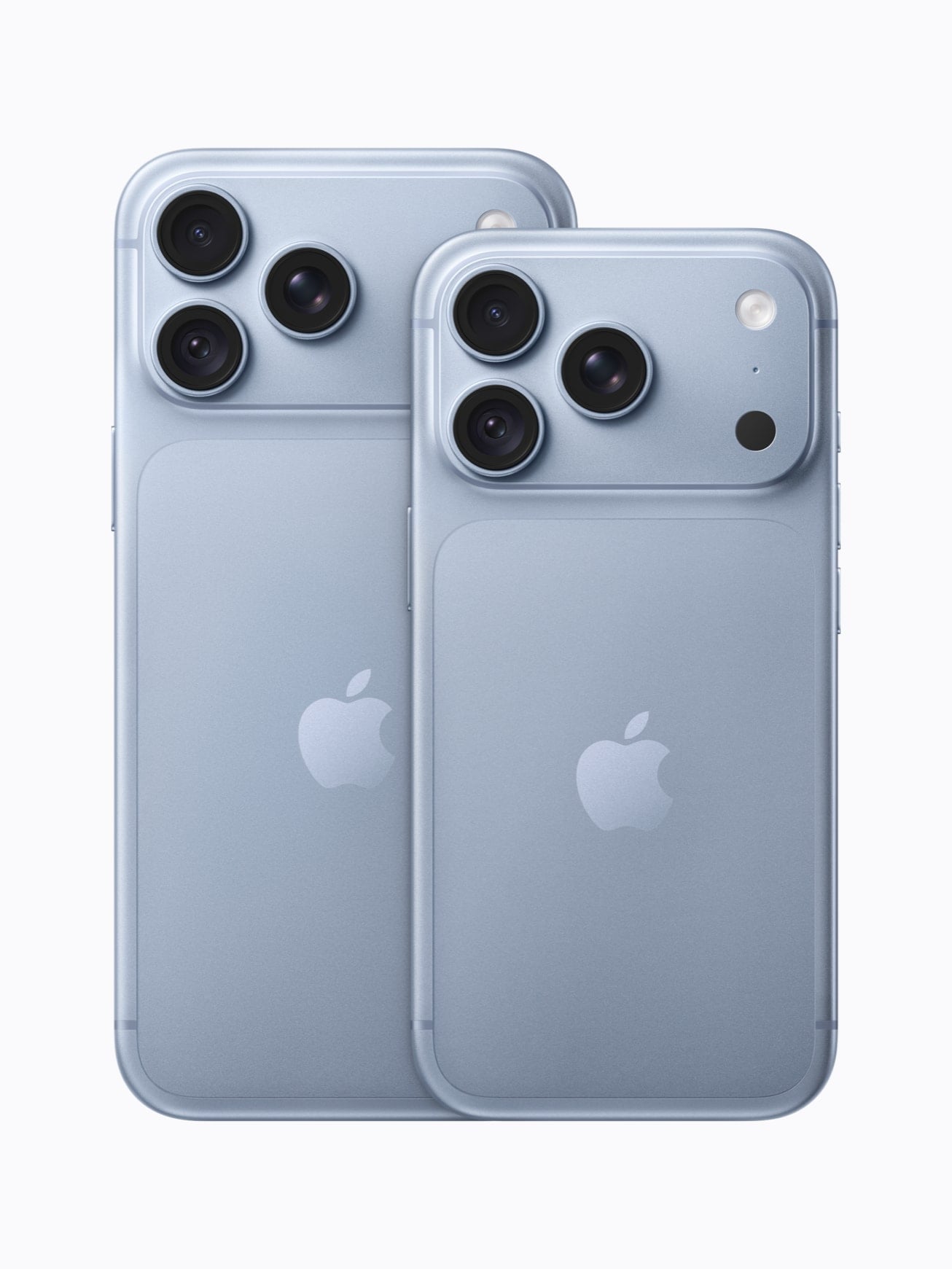
Before you update to iOS 27 and switch on the new Siri, check your free space. Apple now asks for up to 14GB of it on its newest high-end iPhones. The old number was 8GB.
Per Apple's support document, the 14GB tier covers iPhone 17 Pro, iPhone 17 Pro Max and iPhone Air. Every other Apple Intelligence phone, from the iPhone 15 Pro up through the standard iPhone 17, still needs up to 8GB, and Apple Watch needs up to 1.5GB. iPhone Air starts at 256GB and so does iPhone 18 Pro, so the bigger bill lands on the people who already paid the most.
Which devices owe the 14GB
Apple's wording for the higher requirement covers iPhone 17 Pro, iPhone 17 Pro Max, iPhone Air, iPad models with M4 and later and at least 12GB of unified memory, Mac models with M3 and later and at least 12GB of unified memory, and Apple Vision Pro (M5). Everything else Apple Intelligence runs on sits at 8GB.
Three phones are missing from that list: iPhone 18 Pro, iPhone 18 Pro Max and iPhone Duo. 9to5Mac, which spotted the change, reports that all three land in the 14GB bucket. They are newer and more capable than the phones Apple names, so that reading is a fair bet, but Apple's published document hasn't caught up. Treat the 18 series and the Duo as probably 14GB rather than confirmed.
Why the number moved
Apple's separate Siri AI page gives the reason. Customizing the pace and expressiveness of Siri's voice "requires a device with the AFM Core Advanced on-device model," Apple's larger on-device model, which Apple lists as available on iPhone Air, iPhone 17 Pro, iPhone 17 Pro Max, iPad (M4) or later with at least 12GB of unified memory, Mac (M3) or later with at least 12GB of unified memory, and Apple Vision Pro (M5). 9to5Mac reports the second feature riding on that model is better dictation accuracy. A larger model takes more room.
What Apple doesn't tell you
Apple never says what happens if you don't have the room. Whether Apple Intelligence refuses to switch on, installs a smaller model, or turns itself off later when your camera roll fills up, the support page doesn't answer. The storage line carries an asterisk, and the asterisk points at a generic guide to freeing up space.
Apple does document one related number, in the fine print on the iPhone buy page. The Apple Intelligence on-device models use approximately 7GB of space and can be deleted if you turn Apple Intelligence off. Turn it back on and they download again.
The math on a 256GB phone
iPhone 18 Pro starts at $1,199 for 256GB. iPhone Air starts at $1,099, also 256GB. So 14GB is roughly 5.5 percent of the number on the box, and you never had the number on the box anyway. Apple's own footnote says a standard configuration uses approximately 12GB to 24GB before you put a single photo on it, counting iOS 27 and the Apple apps you're allowed to delete.
The cheap end of the lineup gets off easy. iPhone 17e starts at $699 and iPhone 17 at $899, and both sit in the 8GB tier. Spending more on a phone this year means handing more of it back.
How to check yours
Open Settings, tap General, then tap iPhone Storage. The bar at the top shows what's used and what's free, with your apps listed underneath by size. Tap any app and you get two choices. Offload frees the space the app itself takes while keeping its documents and data, so reinstalling drops you back where you were. Delete removes the app and its data together.
Two other things can block this regardless of free space. Your device language and your Siri language have to be set to the same supported language, and Apple warns that changing your Siri language can make Apple Intelligence unavailable until the new one finishes downloading. Separately, Siri AI is English only for now, and it isn't available on iOS, iPadOS or watchOS in the EU, or if your Apple Account region is mainland China. The rest of Apple Intelligence still runs in the EU on iOS 27.
14GB is nothing on a 1TB phone. On a 256GB one carrying four years of video it's a decision, and Apple isn't going to send you a notification about it. Settings, General, iPhone Storage. Go look.