

Saturday September 5, 2026 7:12 am
RivianOS 2 Reaches Every R1, But Gen 1 Owners Miss the New Graphics

Posted by Andru Edwards Categories: Software, Transportation, Artificial Intelligence
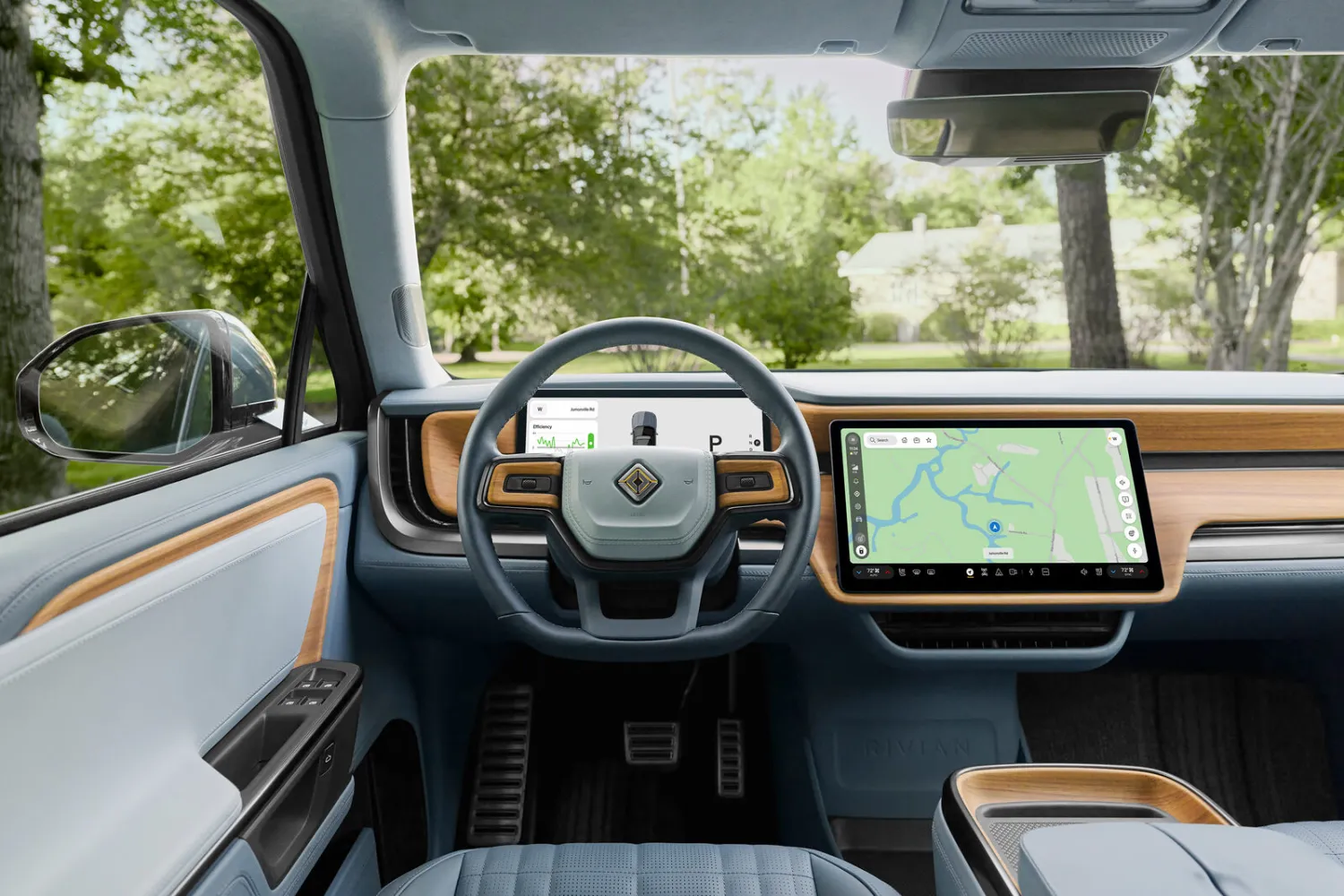
If you are driving a first-generation R1T or R1S, Rivian did not leave you behind. The 2026.31 update that started going out on September 4 brings RivianOS 2 to your truck too. It just will not look quite like the version running on the newer vehicles.
RivianOS 2 is the biggest rework of Rivian's in-car software since the R1 first shipped, and R1 and R2 now run on one foundation instead of two. That means Rivian builds a feature once and ships it to everyone, rather than maintaining separate versions and letting one lineup drift a year behind. Hardware still gets a vote, though, and that is where the split shows up.
Where the split shows up
R2 and second-generation R1s run their real-time 3D visualizations on Unreal Engine 5. That is the moving model of your vehicle and its surroundings on the center screen, rendered by a game engine. Gen 1 R1s stay on Unreal Engine 4, and Rivian's stated reason is display responsiveness. Read that as the older screen hardware not being able to push the newer engine without the whole interface feeling sluggish.
It is a hardware ceiling, not a software decision Rivian can reverse in a later release. Gen 1 owners get the update. They do not get the prettier renderer, and they are not going to.
The interface bends to you now
Quick controls and the media player can move to either side of the center display, so you are no longer stuck with someone else's idea of where things belong. A new vertical status bar keeps the vehicle functions you touch most within reach. Settings got rebuilt into what Rivian calls Settings 2, with context-aware controls and a universal search box.
Universal search in a car settings menu sounds dull until you have spent a red light digging through four submenus hunting for one toggle. Then it sounds like the most useful thing in the release notes.
Navigation picks up Google's speed camera data
Real-Time Route Alerts pulls Google Maps data on police presence and speed cameras into the map. The reports come from local authorities, third-party sources, and drivers submitting them through Google Maps and Waze. So the accuracy depends on whoever tapped the button on the highway ahead of you, which makes it genuinely handy and sometimes wrong.
Two features live behind Connect+
Rivian put two of the new additions behind Connect+, its $14.99 a month or $149.99 a year subscription. One is a dedicated weather app with current conditions, air quality, and a 10-day forecast, viewable on the center display or inside navigation. The other is Mobile Live Trips, which lets you start, view, and update an active trip from the Rivian phone app instead of from the driver's seat.
Neither one is essential. Both are the kind of thing that used to come with the car. If you already pay for Connect+ to get the hotspot and streaming apps, they arrive at no extra cost. If you do not, this is one more tug toward subscribing, and Rivian is far from the only automaker pulling that string.
Voice, edge compute, and the privacy toggles
Rivian calls the layer behind its voice assistant Unified Intelligence. R2 and Gen 2 R1s get hybrid edge compute, which keeps more of the processing in the vehicle for lower latency. Both R1 generations get expanded cloud-assisted voice and refreshed driver display hierarchies. Newer vehicles should answer faster. Older ones lean harder on having a signal.
The privacy controls apply across every generation, which is more than a lot of carmakers bother with. You can switch off hotword activation so the car is not listening for its name, limit location sharing, and change how long driver-profile data sticks around. They are buried in a settings menu, but there is now a search box to find them.
Who this is for
If you bought an R1 in the early days and have been watching R2 owners get the newer software, this closes most of that gap. You get the reworked interface, the rebuilt settings, the route alerts, and the voice improvements. You give up the Unreal Engine 5 visuals, permanently.
Rivian says availability varies by vehicle, so check the Rivian app or your center display before you go hunting for the download button.