
Friday January 27, 2006 4:02 pm
iMac Core Duo: Easiest RAM Installation Ever

Posted by Andru Edwards Categories: Apple, Features, Mods / Hacks, PC / Laptop
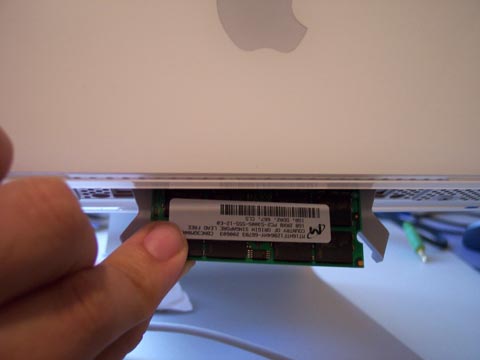
Yesterday, we gave your our impressions of the new iMac Core Duo. In the article, we mentioned that we desperately needed to upgrade from the stock 512 MB RAM the system ships with, up to 2 GB because of the kind of work we do. After thinking about it, we realized that the RAM installation for the new iMac is the easiest we have ever done. Apple has truly made it easy to upgrade the latest iMac - and it is exponentially easier than the last one, where installing RAM frustrated us to no end.
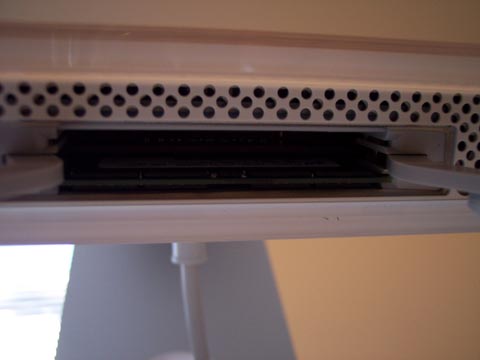
As seen in the image above, the RAM slot is at the bottom of the computer. All you need to do is unscrew a small panel, insert the RAM, and screw the panel back on. It really couldn’t be simpler. We removed the 512 MB stick, and installed two 1 GB chips in under a minute. We applaud you, Apple. We have a better image of the RAM slot after the jump.