

Latest Gear Live Videos
Apple’s M5 Chip Made the MacBook Pro Unstoppable!

Posted by Andru Edwards Categories: Apple, Features, PC / Laptop, Product Reviews, Videos,
At first glance, the new 14-inch MacBook Pro feels strikingly familiar: same sleek design, same versatile ports, and yes, that unmistakable Space Black finish. But look closer—much closer—and you'll see Apple has quietly revolutionized what their laptop can do, especially if you're a creator, power user, or gamer who's been waiting for Mac performance to truly level up.
The heart of this upgrade is the powerful new M5 chip, built to handle the kind of demanding workflows that used to make even last year's models sweat. Think blazing-fast AI tasks running locally, effortless editing of 8K footage, and graphics powerful enough to finally make gaming feel native to the Mac. This is not just about faster speeds and quicker renders; it's about fundamentally changing what's possible on your laptop.
In this video, I'll show you exactly why the M5 MacBook Pro is a subtle yet transformative leap forward. From on-device language models and rapid local image generation to dramatically faster storage and GPU capabilities, this MacBook Pro is ready to redefine your daily workflow. Curious how big a difference the M5 chip actually makes? Stick around—I’ve got the real-world examples to prove it.
Advertisement
Talking with Apple about M2 Chip Design and the Power It Brings to the latest Macs
Posted by Andru Edwards Categories: Apple, Features, PC / Laptop, Videos,
In this episode I talk to Apple about the design process of Apple Silicon, the M2 chip, the M2 Max MacBook Pro, the M2 Pro Mac mini, and more. These are some of the most powerful and innovative Macs that Apple has ever created, and I wanted to learn more about how they came to be and what they can do. I'm joined by Laura Metz, the Director of Product Marketing, Anand Shimpi of Hardware Engineering, and Tuba Yalcin from the Pro Workflow team. They're all very passionate and knowledgeable about Apple's design process, and they shared some amazing insights.
This is a rare opportunity to hear from some of the people behind the scenes of Apple's amazing products and learn more about how they create and optimize them for different use cases. If you are a tech enthusiast or an Apple fan, you don't want to miss this video.
You can find my M2 Max MacBook Pro review, as well as pick one up for yourself!
Black Lives Matter w/ Guest Sara Dietschy
Posted by Andru Edwards Categories: Apple, Cameras, Smartphones, Editorial, Features, PC / Laptop,

This week, we reflect on the uprising that we’re seeing in the USA and across the world as people fight for change in how the lives of black and brown people in America and are viewed and valued. Andru shares his 24-hour fight with YouTube to get a video that would help protesters stay safe. Our guest, Sara Dietschy joins us and gives her unique perspective on the new Sony ZV1 handheld camera, which is targeted at vloggers.
LINKS MENTIONED IN THE SHOW
- Subscribe to Geared Up!
- How to Police-Proof Your Smartphone
- Sara Dietschy's Sony ZV-1 Review
- Sara Dietschy on YouTube
- Geared Up on YouTube
- Jon Rettinger on YouTube
- Andru Edwards on YouTube
SPONSOR: National Car Rental - skip the line with the Emerald Club. Go National. Go Like a Pro.
Listen to the episode in the player above or subscribe to Geared Up in your favorite podcast app to listen on the go!
Geared Up: The New 16-inch MacBook Pro, & the Motorola RAZR nostalgia is real!
Posted by Andru Edwards Categories: Apple, Smartphones, Features, PC / Laptop, Transportation,
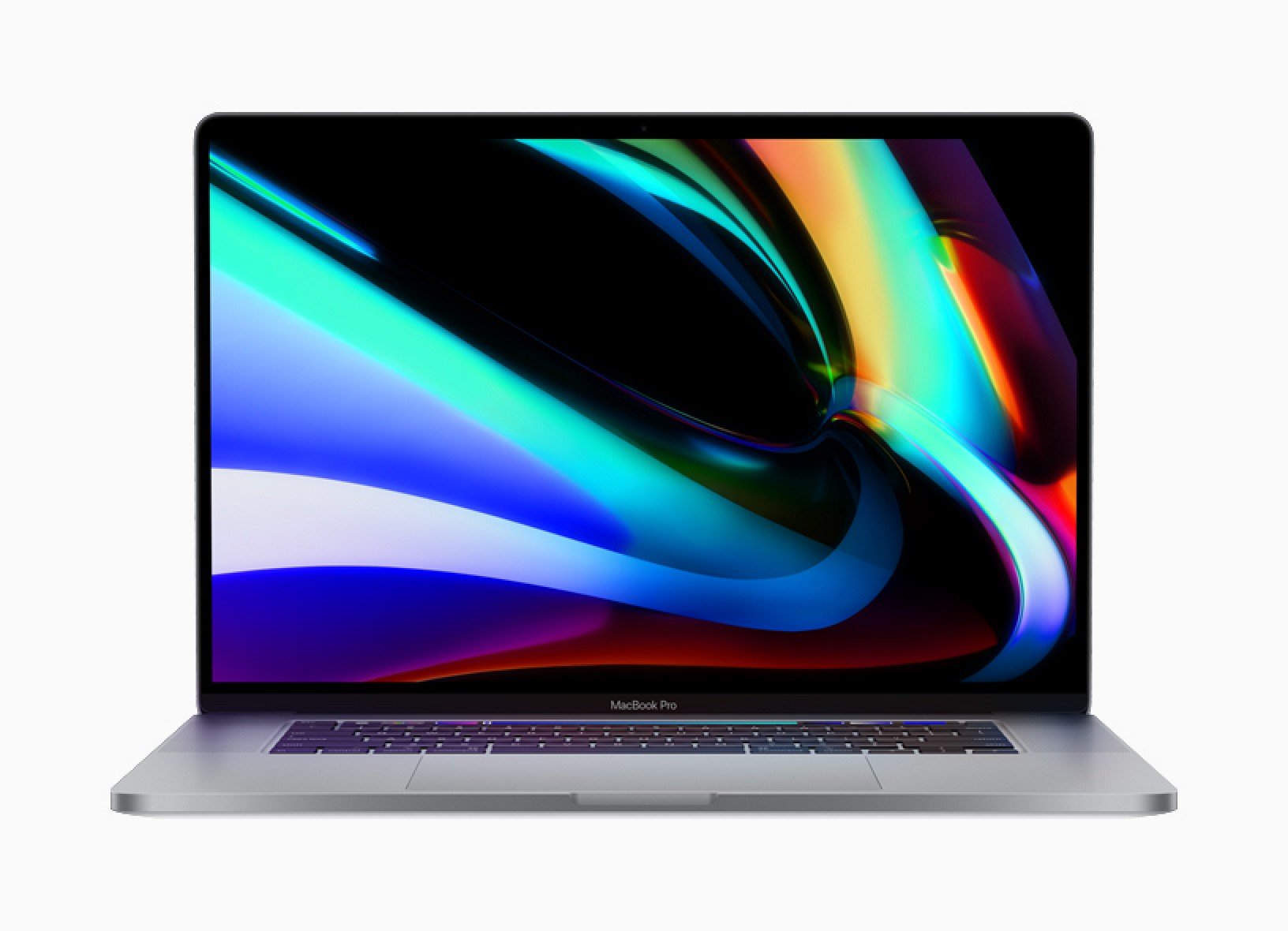
This week we talk about the arrival of the much-anticipated 16-inch MacBook Pro from Apple - have they addressed everything we’d hoped for? Motorola has officially revealed the new RAZR smartphone with foldable display, but is it worth it at $1500? We also speculate on what we expect from the Tesla CYBRTRK event, and the impact of the arrival of the Disney+ streaming service!
LINKS MENTIONED IN THE SHOW
SPONSOR: National Car Rental - skip the line with the Emerald Club. Go National. Go Like a Pro.
Listen to the episode in the player above or subscribe to Geared Up in your favorite podcast app to listen on the go:
Geared Up: AirPods Pro & The Mystery of the 16” MacBook Pro w/ Special Guest Rene Ritchie
Posted by Andru Edwards Categories: Apple, Wearables, Features, PC / Laptop,
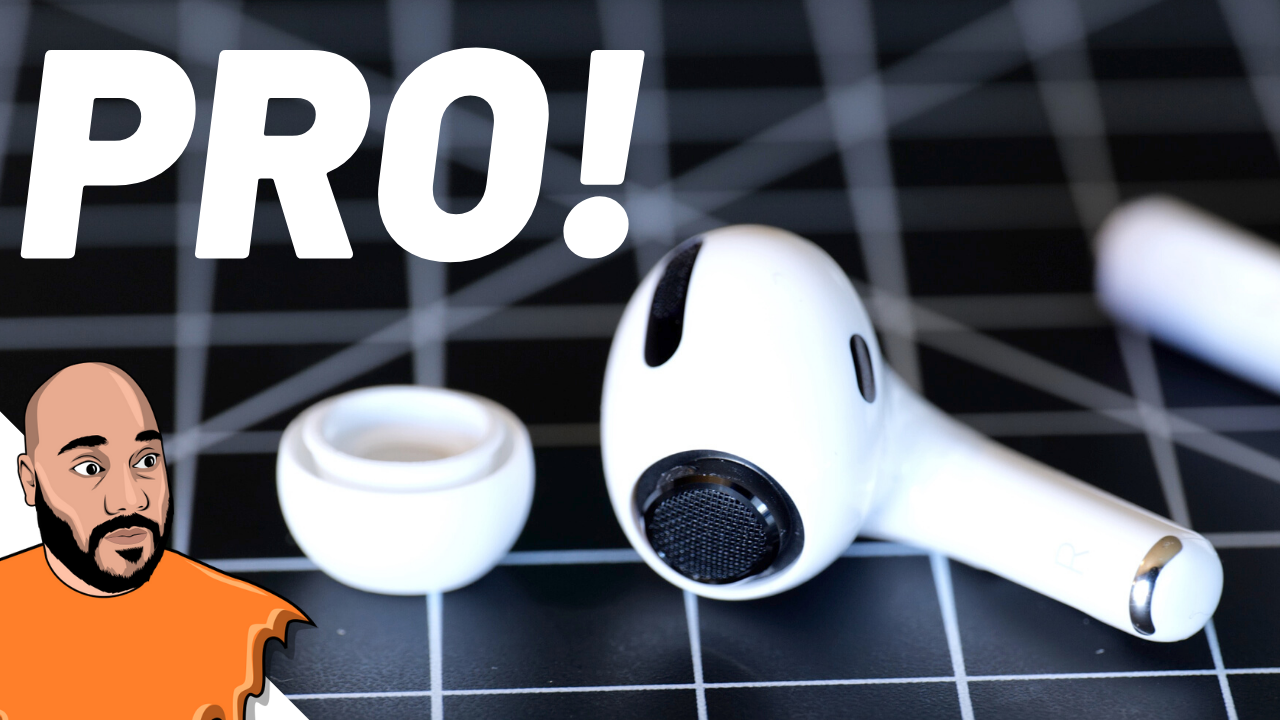
iMore's Rene Ritchie joins the show! Apple dropped AirPods Pro last week, a higher-end version of the best-selling headphones in the world. We tell you all about what's new, along with our thoughts on if Apple has another hit on its hands. We also talk about the heavily-rumored 16-inch MacBook Pro that many expected to be released in October, the expectation of privacy when using products and services, the best Apple Keynote moments, and more.
LINKS MENTIONED IN THE SHOW
- AirPods Pro: Top 5 Features
- Hands-on with AirPods Pro
- Rene Ritchie on YouTube
- Geared Up on YouTube
- Jon Rettinger on YouTube
- Andru Edwards on YouTube
SPONSOR: National Car Rental - skip the line with the Emerald Club. Go National. Go Like a Pro.
Listen to the episode in the player above or subscribe to Geared Up in your favorite podcast app to listen on the go:
Geared Up: Redesigned MacBook Pros & New iPad Pros Incoming!
Posted by Andru Edwards Categories: Apple, Smartphones, PC / Laptop, Software,
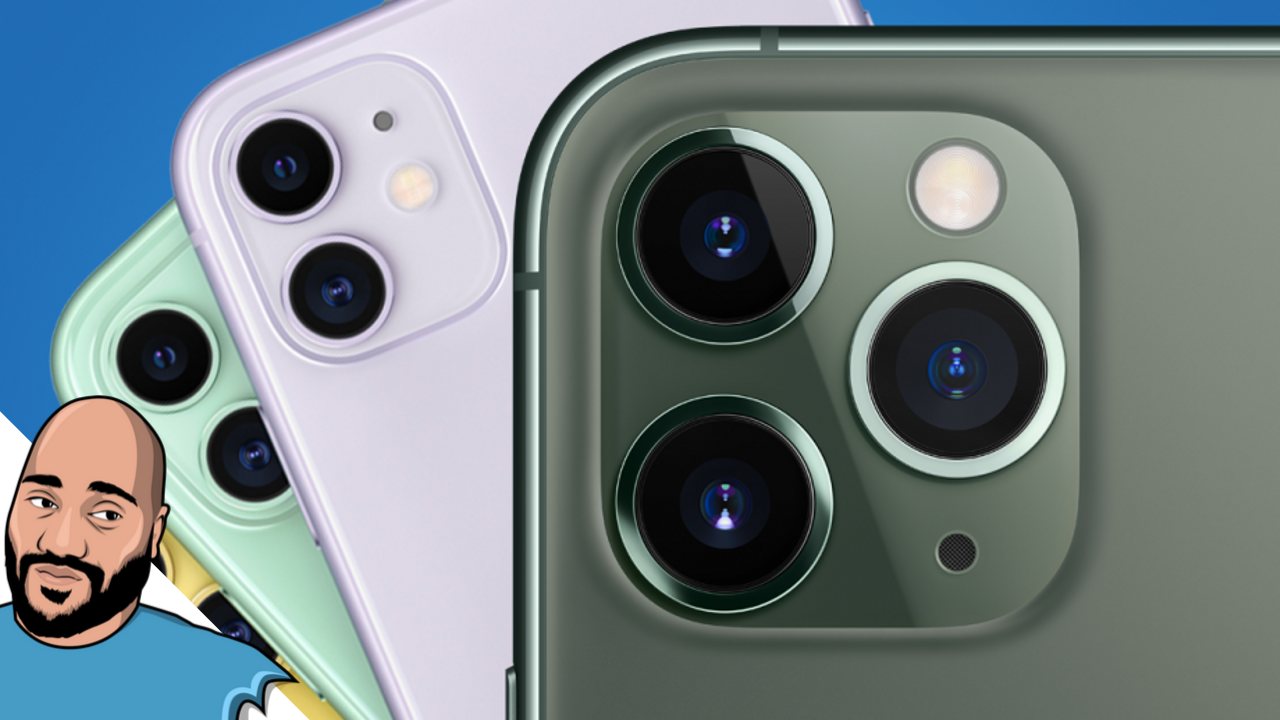
Apple just launched the new iPhone 11, iPhone 11 Pro, and Apple Watch Series 5 - but the company isn’t done with 2019 releases! We talk about the upcoming Pro device event which should be taking place in October where we will see the debut of a newly-redesigned MacBook Pro, faster iPad Pros with a triple-camera system, and complete details on the Mac Pro. We discuss phone carriers, which ones we both use, and who we are thinking of switching to. Finally, we also give our thoughts on the best features of iOS 13, and who should upgrade to the iPhone 11 vs who should get the iPhone 11 Pro.
LINKS MENTIONED IN THE SHOW
- Hands on with iPhone 11 & iPhone 11 Pro
- iPhone 11 vs iPhone 11 Pro vs iPhone 11 Pro Max
- Apple Watch Series 5: Top 5 Features
- Geared Up on YouTube
- Jon Rettinger on YouTube
- Andru Edwards on YouTube
SPONSOR: National Car Rental - skip the line with the Emerald Club. Go National. Go Like a Pro.
Listen to the episode in the player above or subscribe to Geared Up in your favorite podcast app to listen on the go:
WWDC 2018: Apple announces macOS Mojave
Posted by Andru Edwards Categories: Apple, Corporate News, PC / Laptop, Software,
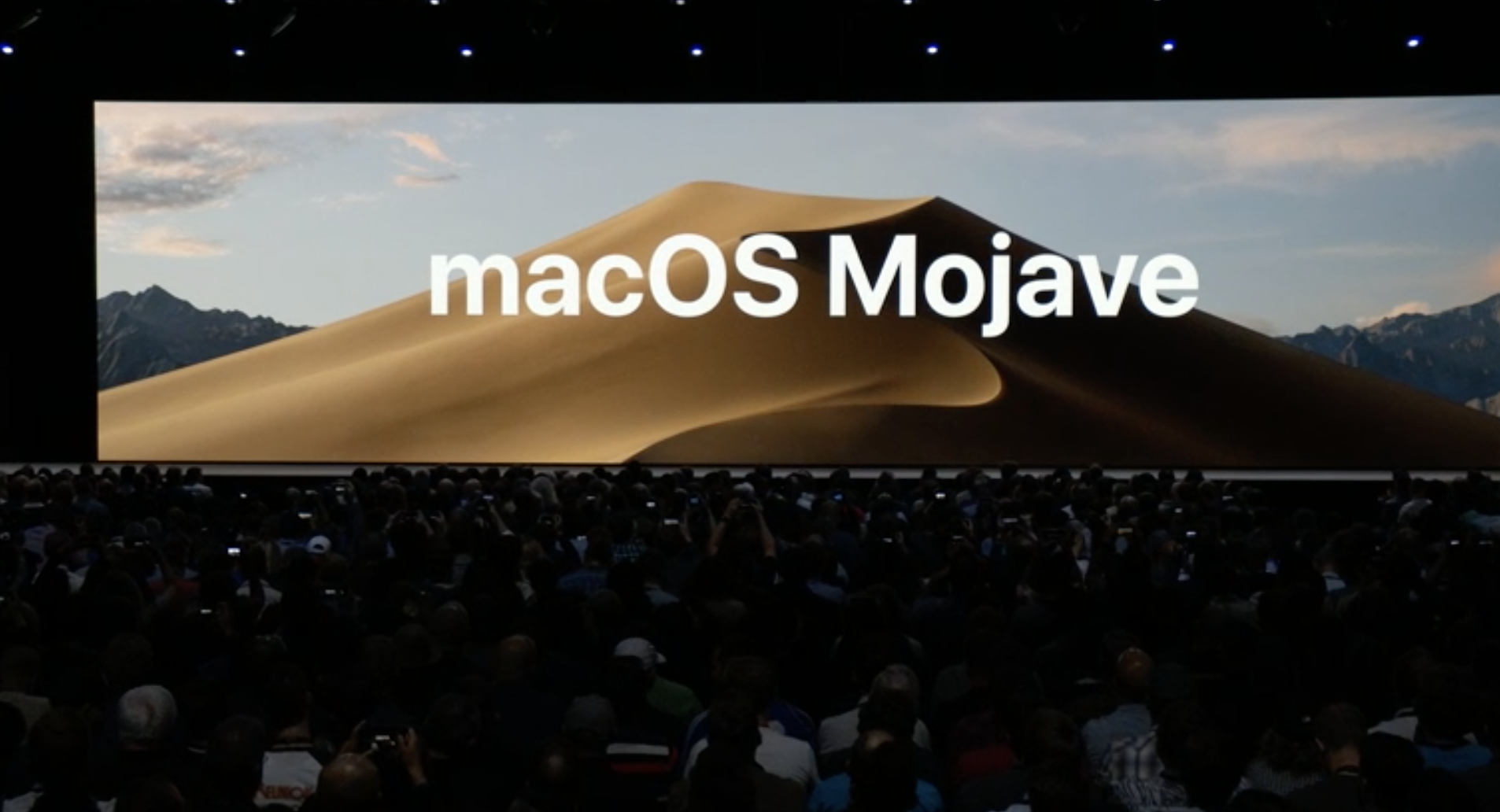
At WWDC 2018, Apple announced the next version of its desktop operating system for Macs, macOS Mojave. Here's what's new!
MACOS MOJAVE FEATURES
- Apple starts by showing off a new Dark Mode for macOS. It changes the color of the app windows, toolbars, dock, and more.
- Dynamic Desktop is a feature where your desktop wallpaper subtley changes throughout the day based on the time.
- Desktop Stacks is a feature that groups all of the files, folders, and tags to auto-organize your desktop. Stack icons are also scrubbable.
- The Finder gets a new view called Gallery view. Makes it easy to preview images, videos, PDFs, documents, etc.
- New Finder sidebar to see the full metadata of any file(s) you have selected, along with quick actions along the bottom of the sidebar.
- Markup has been added to Quick Look
- New screenshots functionality - similar to iOS, the screenshot appears in the bottom corner of the screen, and when you click on it, you get a Quick Look with a bunch of readily-available tools
- A new screenshot tool also allows for quick video recording
- New Continuity Camerea feature allows you to use your iOS device as a camera to insert photos into Mac documents. This can also be used for document scanning from an iOS device into a Mac doc.
- Enhanced eGPU support
APPS
- The Apple News app is coming to the Mac in macOS Mojave
- The Stocks app is also coming to the Mac in Mojave
- Voice Memos will be part of Mojave as well, with iCloud syncing
- Apple's Home app will ship with macOS Mojave, allowing you to control your smart home devices, along with Siri support
SECURITY AND PRIVACY
- Apple is extending protection to Cameras, Microphones, Backups, Message history, and much more
- In Safari, Apple is auto-hiding even more tracking scripts connected to like buttons and comment fields
- Safari is also making it harder for trackers to create a fingerprint of your device, so your Mac appears to look like everyone else's Mac, making it harder for ad companies to track you
MAC APP STORE
- Apple has completely redesigned the Mac App Store
- Similar to iOS, the Mac App Store will feature editorials and stories
- Videos of apps are built in to give a better idea of how the apps look and feel
- More categories like Create, Work, Play, and Develop to easier find groups of apps
- Microsoft is bringing Office 365 to the Mac App Store
- Panic is bringing Transmit
- BareBones bringing BBEdit
- Adobe is bringing Lightroom
Apple also answered the question of whether they are merging macOS and iOS - the answer is "No!" However, Apple will be allowing iOS apps on the Mac through a new set of UI instructions. It starts in 2018 with News, Stocks, Home, and Voice Memos. In 2019, developers will have access to these tools as well.
Hands on with the new Oculus Go and Lenovo Mirage Solo portable VR headsets - Geared Up!
Posted by Andru Edwards Categories: Accessories, Apple, Displays, PC / Laptop, Videos,
The Geared Up Giveaway is back! We're giving Geared Up subscribers the chance to win an Oculus Go headset. See the bottom of this post for details on how to enter the giveaway.
The VR hype is starting to get real. Just in the past two weeks, Facebook's Oculus launched the highly affordable and convenient Oculus Go while Lenovo debuted its more sophisticated by pricey Mirage Solo, both more convenient devices than their powerful but bulky predecessors. So how do the two new headsets compare? We've been testing them out and on this episode, we go hands-on with both devices to give our reviews.
Plus, we're offering Geared Up subscribers the chance to win an Oculus Go headset -- just subscribe to Geared Up in your favorite podcast app and use the widget at the bottom of the page to enter. In other news, Apple is facing a class-action lawsuit over the controversial MacBook keyboard and Microsoft announced a second generation of the Surface Hub, its huge wall-mounted PC. HP also made headlines this week with its announcement of several new laptops and desktops.
Win an Oculus Go VR Headset from Geared Up!
Subscribe to the Geared Up podcast:
Tech spotlight on Nokia Health and the ThinkPad X1
Posted by Andru Edwards Categories: Apple, Wearables, Smart Home, PC / Laptop, Videos,
On our Geared Up podcast, we cover all the breaking tech and gadget news of the week. But on this episode, we take a step back and put the spotlight on two technologies that Co-hosts Andru Edwards and Todd Bishop have been trying out in their day-to-day lives.
Andru has been using two devices from Nokia Health, the Nokia Steel HR smart watch and the Nokia Body smart scale. He says the devices themselves are just fine, but they show just how much an impact smart health devices can have on our behavior.
Todd has been spending a lot of time with his new Lenovo ThinkPad X1, which is his first Windows computer in a decade. He tells us how the device lured him back into the Microsoft world after a long stint as a dedicated MacBook Pro user.
Watch a video of the podcast above, listen to the full episode below or subscribe in your favorite podcast player to hear every episode of Geared Up.
Subscribe to the Geared Up podcast:
Editor's note:†Nokia's technology comes from its acquisition of Withings. After this episode was recorded, Nokia announced it is selling its health division back to Withings co-founder†…ric Carreel.
Is the new MacBook Pro really worth the price? Hands-on with Apple’s high-end notebook
Posted by Andru Edwards Categories: Apple, PC / Laptop,
Apple’s new MacBook Pro comes with an eye-catching feature, a Touch Bar across the top of the keyboard that replaces the function keys with virtual buttons and sliders that change in context, depending on which program or app you’re using at any given moment.
But starting at $1799 for a 13-inch model with Touch Bar, this is no small investment. So is the new MacBook Pro really worth it? Andru Edwards of Gear Live & Todd Bishop of GeekWire have a new MacBook Pro in-studio for this special GeekWire podcast and video segment to give us their take.








