

Find Our Latest Video Reviews on YouTube!
If you want to stay on top of all of our video reviews of the latest tech, be sure to check out and subscribe to the Gear Live YouTube channel, hosted by Andru Edwards! It’s free!
Thursday July 10, 2008 3:21 pm
Grab iPhone 2.0 firmware update right now!

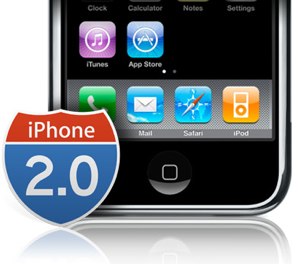 Remember how last night we hooked you up with the download link for the MobileMe OS X updater, before Apple formally released it? Well, now we are gonna hook you up with the location to download the iPhone 2.0 firmware update too. Just make sure you have already upgraded to iTunes 7.7.
Just click here to download the file “iPhone1,2_2.0_5A347_Restore.ipsw”, and make sur eyou put it in a location where you can find it easily. Next, fire up iTunes and hook up your iPhone. On the iPhone screen, click on Check for Update while holding the option key. This will bring up a window that allows you to locate the file you downloaded. Choose it, and off you go.
Just so you know in advance, this update is pretty much like doing a restore. All the data on your iPhone will be erased, so just be sure to do one final sync before you go through the process. Once it is done, you can then simply recover your sync settings, and you will be up and running, App Store and all.








