

Latest Gear Live Videos
Skitch: review of OS X’s hottest new information sharing tool

Posted by Sparky Categories: Apple, Internet, Misc. Tech, Product Reviews, Software,
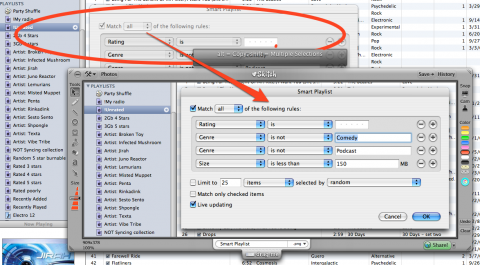
The concept of screen capture has been around almost as long as the graphical user interface, but only recently has it truly evolved. OS X has featured the Grab utility for a while which made capturing a screenshot, selection, or single window easy, but once you have the capture, what do you do with it? Plasq solves this problem with Skitch, the evolution (or perhaps revolution) of screen capture to the Mac. The program blew us away when we first got our hands on it, we even wrote a quick post of our Skitch impressions after five minutes of use. Now we have an in-depth review of the Skitch beta, and a chance for you to win one of two Skitch beta invites Gear Live has to offer.
Click to continue reading Skitch: review of OS X’s hottest new information sharing tool
Read More  | Skitch by Plasq
Advertisement









Advertisement
© Gear Live Inc. {year} – User-posted content, unless source is quoted, is licensed under a Creative Commons Public Domain License. Gear Live graphics, logos, designs, page headers, button icons, videos, articles, blogs, forums, scripts and other service names are the trademarks of Gear Live Inc.