Articles tagged Features
Latest Andru Edwards Videos
Apple Store Bellevue Square grand re-opening (gallery)

Posted by Andru Edwards Categories: Apple, Corporate News, Features,

Yesterday we hit you with footage of the re-opening of the Apple Store - Bellevue Square location, highlighting the excitement of Apple's customers in the Bellevue area, as well as its employees. Today we bring you a bunch of images from the event. We must say, we've been in line at Apple launches for 12 different Apple products at some of the biggest stores in the US, but the combined customer and associate excitement we witness for the Bellevue Square grand re-opening was unparalleled. Take a peek at our Apple Store - Bellevue Square Grand Re-opening gallery, and stay tuned for our next video, which features a tour of the new location right before the doors are opened for the first time.
Gallery:






Advertisement
Forgotten Comics: Quincy by Ted Shearer

Posted by Tom Mason Categories: Editorials,
 My local newspaper never carried Quincy by Ted Shearer, but I would occasionally see the strip in The Baltimore Sun when visiting family. I liked its “urban Peanuts” vibe, and I really liked Shearer’s artwork.
I recently snagged - thank you library book sale - a long-out-print copy of Quincy’s World, one of the type of once-ubiquitous reprint paperbacks that used to pop up in drug stores and newsstands back in the day. I read through it in one sitting and it was just as good, perhaps even better, than I remembered.
Quincy is a sort of “everykid” in the tradition of other comic strip archetypes like Skippy, Charlie Brown and Tiger. What makes him unique is his optimism, and his light-hearted outlook on his downscale urban setting. Quincy, the strip, is set in a city environment, in a low rent neighborhood populated by rundown buildings, broken fences, and abandoned lots.
Click to continue reading Forgotten Comics: Quincy by Ted Shearer
OmniFocus for iPhone 1.12 feature list, now available
Posted by Andru Edwards Categories: Productivity, App Updates, Above $10,
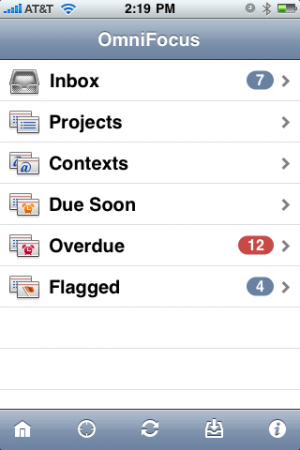 OmniFocus for iPhone has just been updated to version 1.12. While that number may give it the appearance of being a minor update, there are actually plenty of additions, changes, and fixes, and we've got them all for you after the break. There are quite a few new iOS 5 features integrated into the new release.
Of course, you’ll find OmniFocus for iPhone in the App Store, and the 1.12 update is available now.
Click to continue reading OmniFocus for iPhone 1.12 feature list, now available
Read More  | OmniFocus for iPhone
Mac OS X Lion: Has the OS become just another app?
Posted by Andru Edwards Categories: Apple, Editorial, Features, Software,

I upgraded my MacBook Pro to Apple OS X Lion in a lunch hour. Okay, it wasn't a lunch hour—I couldn't wait that long—but even more astonishing than the expediency (30 minutes to download and 35 to upgrade) was the effortlessness of the process.
At 9am yesterday morning, I opened the Mac App Store, clicked purchase, and let the installer work its magic. When I returned to my machine, it donned a fresh new log-in screen and a new OS. As tech journalist, this ought to have delighted me. Instead, I was left hungering for more.
It's not that Lion isn't a graceful creature; Apple's latest OS adds poise to an already agile predecessor. The 250 new features—Mission Control has already changed how I work—touch every corner of the OS and surpass the 150 additions of the refinement-focused Snow Leopard. Yet I can't help feel that something important is happening—has already happened—to very concept of the OS.
Click to continue reading Mac OS X Lion: Has the OS become just another app?
Will you buy the Verizon iPhone?
Posted by Andru Edwards Categories: Apple, Features, Handhelds,
Verizon Wireless has finally scored the iPhone! The iPhone 4 will be available from Verizon on February 10th, and we wanted to know how the news affects you. Are you a Verizon customer who's been waiting for the iPhone to come to your network? Are you a fed up AT&T customer who is looking to switch ASAP? Maybe you're glad to see the announcement, but don't plan on buying until iPhone 5. Whatever it may be, hit up our poll and let us know.
Do More With Less: We’re giving away an HTC HD7 Windows Phone 7 smartphone!
Posted by Andru Edwards Categories: Smartphones, Features, Handhelds, Microsoft,
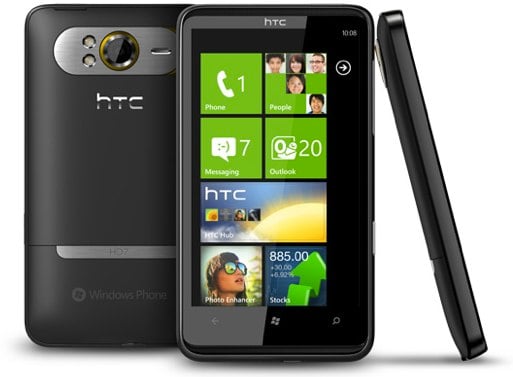
We're giving away an HTC HD7 Windows Phone 7 device to one of you guys here in our "Doing More with Less" giveaway! Not too familiar with WP7? Be sure to check out our Windows Phone 7 review, and read on for the details on how to enter.
Over the past three years, we've seen smartphones shrink in size while gaining a ton of functionality. In fact, it's hard to imagine ever using the bulky QWERTY sliders that were just about as thick as the original Game Boy. With the iPhone, Android devices, thinner BlackBerrys, and now WIndows Phone 7 devices jumping into the fray, we've truly got a situation where we are able to do way more than we'd ever dreamed we could do with a mobile phone, in a device that is so small that it comfortably fits in our pocket while the manufacturers tout how thin they are. Speaking of doing more with less, did you know that the smartphone in your pocket has more technology in it than the first rocket that went to outer space?
Now we want to hear from you--hit the comments and give us some examples where you can do more with less. It can be technology-related, or not. We will be picking a random winner based on the comments received. Here are the official rules:
- How to enter: Just leave a comment on this article, focusing on "Doing More with Less". You can leave one comment per day until the giveaway’s close. Each comment must be substantially different than the previous.
- Timeframe: The contest ends on November 29th, 2010. At this time comments will be closed on this post and a winner chosen with Random.org.
- Eligibility: The contest is open to US residents only who are at least 18 years old at the time of entry.
- Prize: The one winner will receive the HTC HD7, a T-Mobile Windows Phone 7 device that's an approximate retail value of $500.
This giveaway is brought to you by the new Windows Phone 7. Learn more about Windows Phone online and see it in person at local T-Mobile stores today.
The 5 Most Memorable Video Game Experiences

Posted by John Kilhefner Categories: Action, Adventure, Bungie, Culture, Editorial, Features, Fighting, First Person Shooters, Microsoft, Nintendo, Xbox,
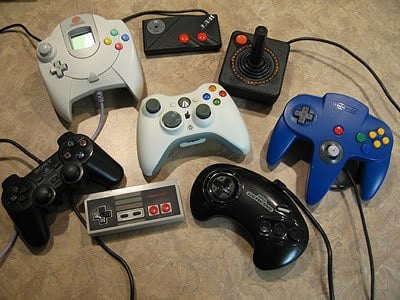
Once in awhile there comes along an experience that shapes the way that we look at things. A video game experience that makes something in your brain tingle. A game where simply a mere melody from its title screen sends nostalgia crawling up your spine. There are a few video games with these kinds of experience that stick out in our minds; not just for being great games, but for their “wow” factors. Sometimes these experiences are shaped by our personal interpretations; i.e. revolving around what was going on in our lives at the time. Therefore, you may have a different top five list, but we can all agree that the following five games helped to shape the way video games are made even to this day.
Click to continue reading The 5 Most Memorable Video Game Experiences
White iPhone 4 vs. black iPhone 4 comparison
Posted by Andru Edwards Categories: Apple, Design, Features, Handhelds,
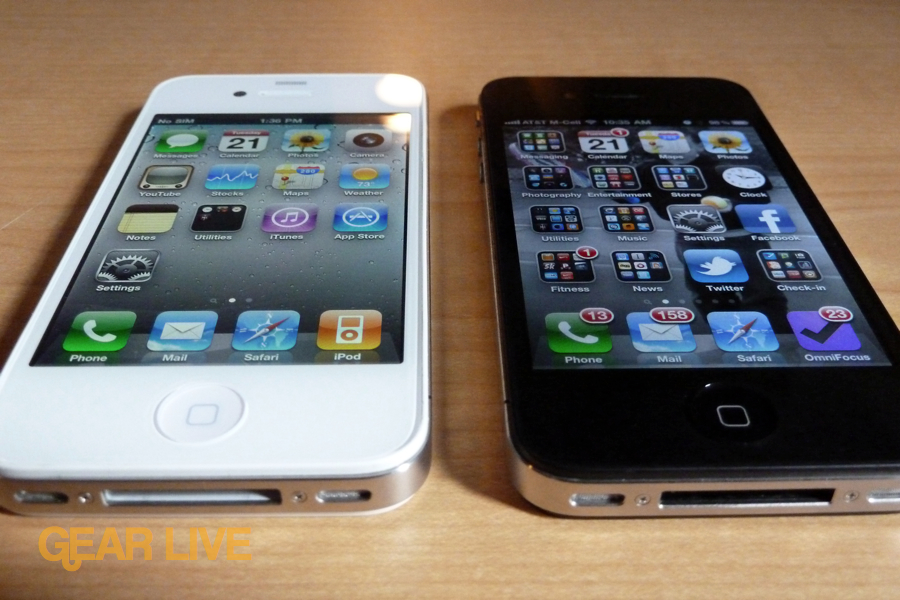
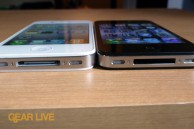
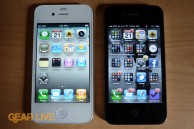
A few days ago we hit you with our white iPhone 4 hands-on gallery, giving you an up-close look at the device as it stands on its own. Today we’ve put together a gallery showing the yet-to-be-released white iPhone 4 next to the currently available black model. Go ahead and look through the images to see not just the obvious differences (you know…the white front and back of the device,) but also the more subtle ones. Things like the dock connector and headphone jack are also white, unlike what you’d find on the black model.
If you want to get your hands on a white iPhone 4, we’ll be sharing details soon on how you can get your hands on one, or get your black model converted with white parts. If you’re interested, let us know in the comments!
Gallery:

iPod touch 2010 unboxing
Posted by Andru Edwards Categories: Apple, Features, Galleries, Portable Audio,
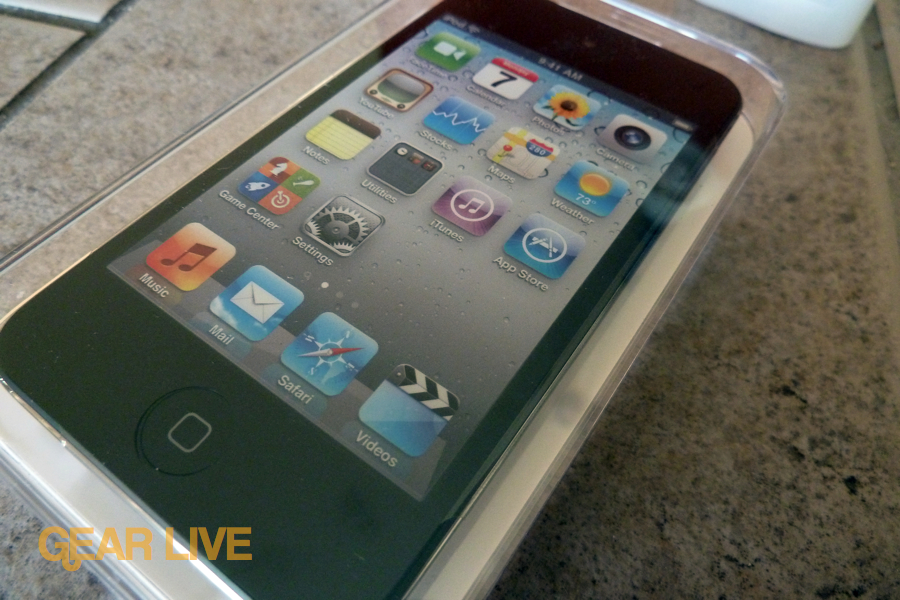
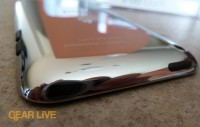
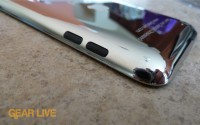
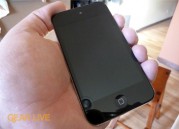
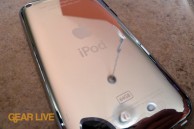
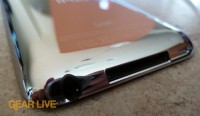
When Apple announced the Retina display packing, FaceTime rocking iPod touch 2010 model, we knew this thing was gonna be a hit. We’re currently hard at work on our iPod touch review, but in the meantime we’ve snapped a bunch of pics of what’s gotta be the best looking iPod touch to date. Seriously, this thing is thin to the point of ridiculousness. Obviously with the Retina display, the screen looks sharp, and you also gain camera on both the front and back of the unit. Take a gander at the gallery.
You can pick up an iPod touch from Apple.
Gallery:
Apple Battery Charger makes wireless devices less annoying?
Posted by Andru Edwards Categories: Accessories, Apple, Editorial, Features, Wireless / WiFi,
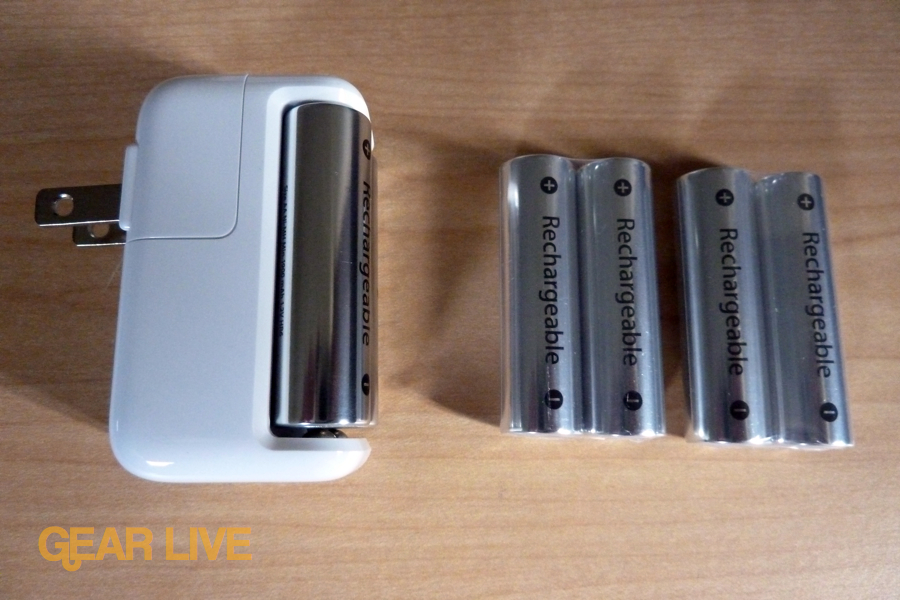
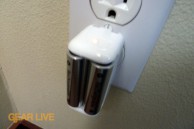
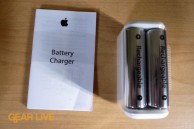
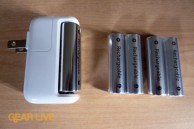
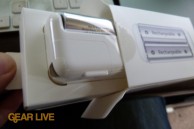
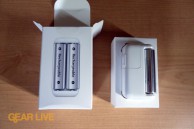
I was thinking about why Apple would want to release their Apple Battery Charger product, since you can pretty much get batteries anywhere, and I think it comes down to Apple wanting to do their part in eliminating the annoyance that many have with changing batteries when a device runs out of juice. With the introduction of the Magic Trackpad, Apple now has three devices that are powered by AA batteries, with the other two being their wireless keyboard and Magic Mouse. According to Apple, they were able to come into the battery market with a few key advances. One such feature is an intelligent power management system so that once the batteries are charged fully, it goes into a low power state, using about 90% less power than your average charger. That’s nice. The batteries also have a long service life, which Apple says is up to 10 years. Also nice. Still though, this isn’t really a market that Apple needed to be in.
In our opinion, Apple’s goal here was to innovate a bit for the benefit of their own products. They sell you six batteries so you can have two in a wireless keyboard, and two in a Magic Trackpad or Magic Mouse, and then you can also have two always in the charger, ready to be swapped. It pretty much eliminates worry of running out of juice, which gives you all of the benefits of having wireless devices with none of the drawbacks since you always have two fresh batteries ready for you (unless you somehow have both the wireless keyboard and the pointing device run out at the same time.)
We like the strategy. You can pick up the Apple Battery Charger for $29 from Apple.
Read More | Apple Battery Charger