

Find Our Latest Video Reviews on YouTube!
If you want to stay on top of all of our video reviews of the latest tech, be sure to check out and subscribe to the Gear Live YouTube channel, hosted by Andru Edwards! It’s free!
Tuesday July 7, 2009 6:57 pm
How to Stream Your Zune Tracks to Your iPhone

Posted by Andru Edwards Categories: Apple, Smartphones, Features, Handhelds, Microsoft, Music, Software, Wireless / WiFi
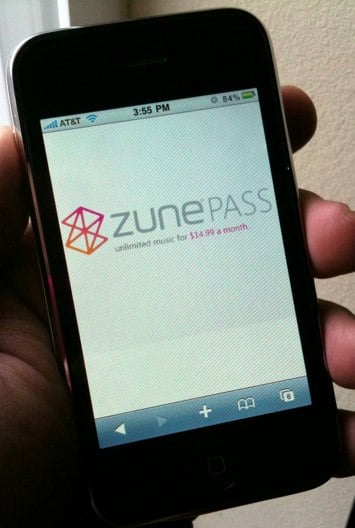
It’s no secret, we are big fans of Microsoft’s Zune - both the service, and the device. I’ve had a Zune Pass since the service launched, and use it daily (my Zune Pass profile.) If you aren’t sure what that is, it’s an unlimited music streaming and download service. You can listen to as much as you want for just $15 a month. In addition, you get to keep any 10 tracks of your choosing each month as well. Yours to keep, forever. Did you know, though, that you can stream any of your downloaded Zune tracks to your iPhone? Yeah, that’s one of the best parts. When you start connecting the dots, you soon realize that you have the potential of having an entire catalogue of music available to you, on your iPhone, regardless of the amount of storage you’ve got.
But, wait…how do you stream Windows Media Audio files to the iPhone, which doesn’t support that format? Furthermore, Zune tracks that aren’t downloaded as part of your 10 free keepers per month are riddled with DRM. Yeah, we hear you. There is no Zune app available for the iPhone itself. What you need is to install a piece of software on your PC, along with downloading an app on your iPhone. Join us, as we open up the musical floodgates.
Okay, so let’s get started. The three things you’ll need in order to make this happen are:
- A Windows-based PC
- An iPhone
- A Zune Pass
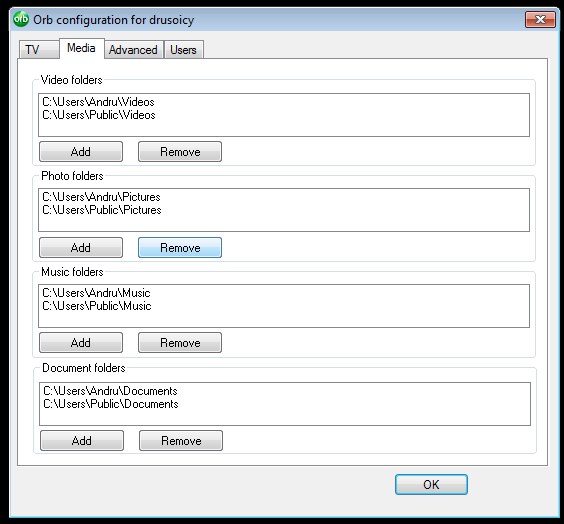
Now that we have that covered, let’s get started. The first thing you want to do is download and install Orb on your PC. Orb is a free tool that, once installed, allows you to access media on your PC remotely. The great thing here is that you can use Orb to share just about anything on your PC, getting access to it remotely. Right now, though, we are concerned with getting access to our Zune Pass files, so that’s fine. Once you install and run Orb on the PC where you do your Zune downloading, you want to go into the Orb configuration, and let it know what folder(s) you keep your downloads in. You’ll also have to set up a free account, with username and password.
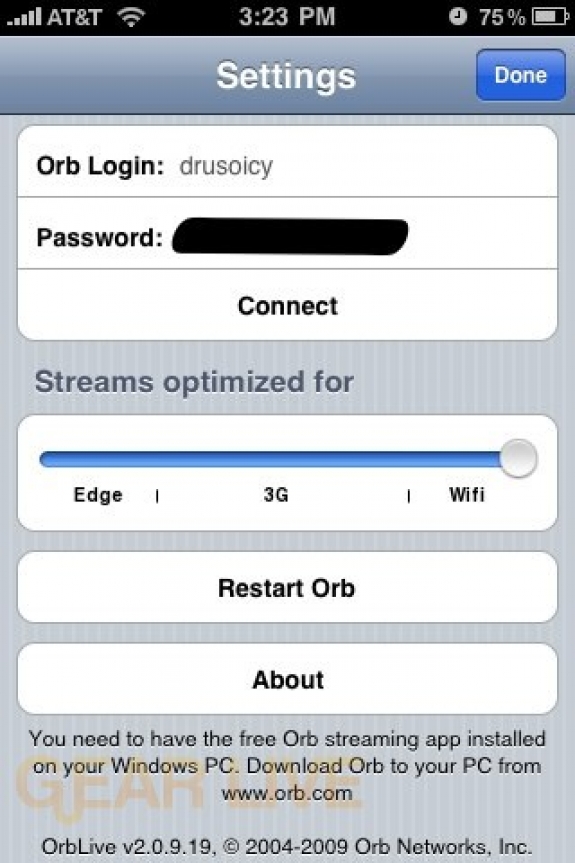
We are halfway done. Next, you want to head to the App Store and download the OrbLive app. It costs $9.99 to download, but it essential for getting all of this working. Go ahead and launch the app, and go into the settings, and put in your Orb login credentials. This will essentially connect the iPhone OrbLive app with your desktop Orb program.
Now you are ready to rock. Tap on the Audio icon in the OrbLive app, and you should have access to any Zune Pass tracks you’ve downloaded. Again, this will work for other media on your PC as well, but it’s very cool that you can access your Windows Media DRM Zune tracks, and that they play without an issue in OrbLive on the iPhone.
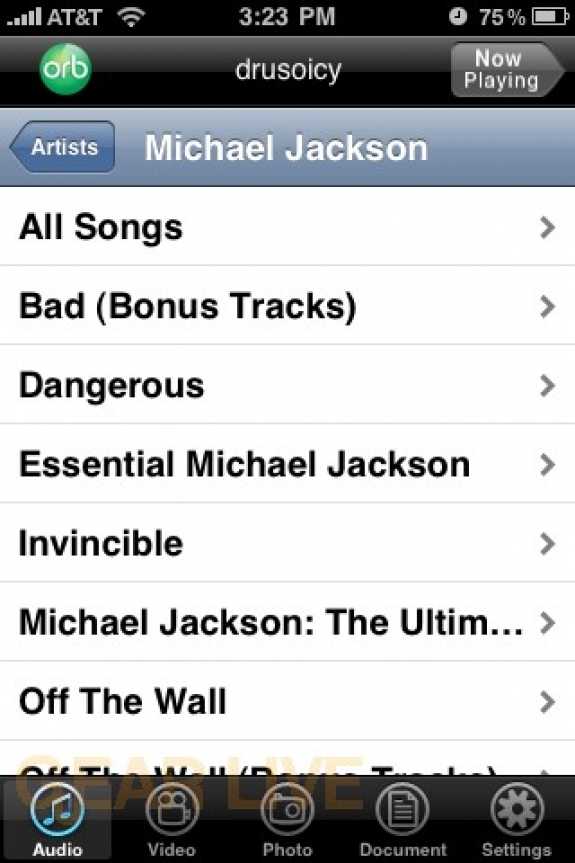
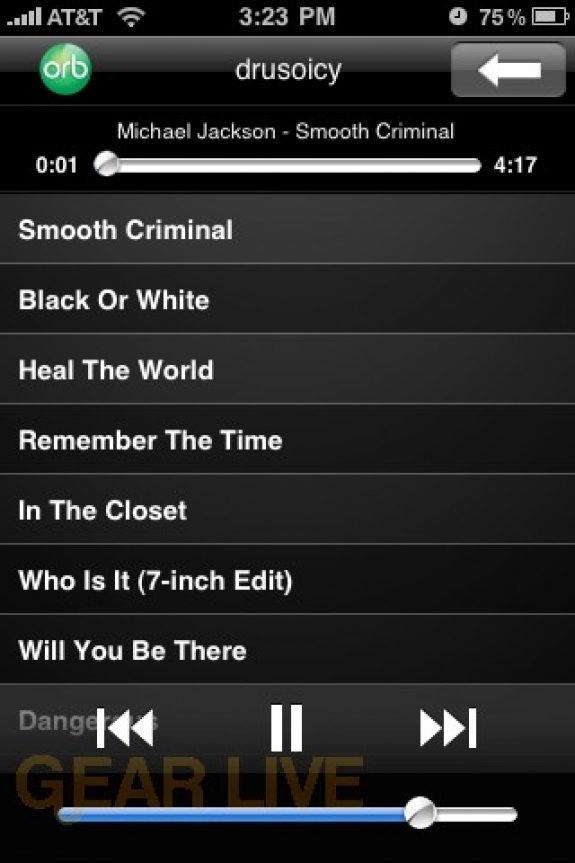
Here you can see me playing some classic Michael Jackson. I downloaded all his albums with my Zune Pass, and had immediate access to them on the iPhone, by way of OrbLive. Do note, in OrbLive, you can specify if you are on Wi-Fi, 3G, or EDGE in the settings, and it will determine quality accordingly. So if you have a strong 3G connection in the car, you can even enjoy your tracks over your car stereo.
So there you have it! One more reason to pick up a Zune Pass. If you’re in the Zune Social, be sure to friend us up!