

Tuesday January 19, 2010 1:15 pm
How to fix the Nexus One 3G issue

Posted by Andru Edwards Categories: Smartphones, Handhelds, Wireless / WiFi
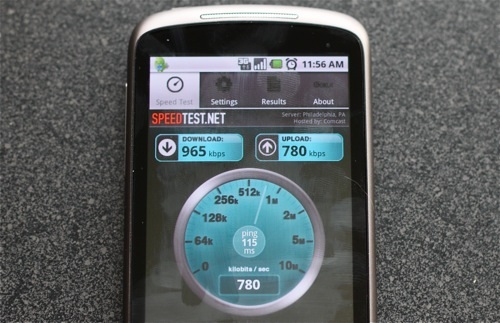
If you’re a Nexus One owner, you may be well aware of the 3G issue that the device has, where it won’t connect to (or stay connected to) 3G, constantly falling back to EDGE. We know not all have experienced this oddity, but it’s enough of a problem that we’ve been getting emails about it, asking if there was a fix. Luckily, Kevin Tofel over at jkOnTheRun seems to have figured out a fix, and it’s simple to do:
- Go into Settings
- Select “Wireless & Networks”
- Choose the “Mobile Networks” option near the bottom
- Go into the “Network Operators” section. The Nexus One will do a search for GSM networks around you.
- When the search is complete, tap the “Select Automatically” option. The phone should respond with “Registered on network.”
That should do it! According to Kevin, he hasn’t been able to get 3G access from his home in the 10 days that he’s had the device. After doing the above, he’s been speeding along on 3G non-stop, even after reboots. If you’re experiencing similar issues, give it a try, and let us know how it works for you!
Read More  | jkOnTheRun